
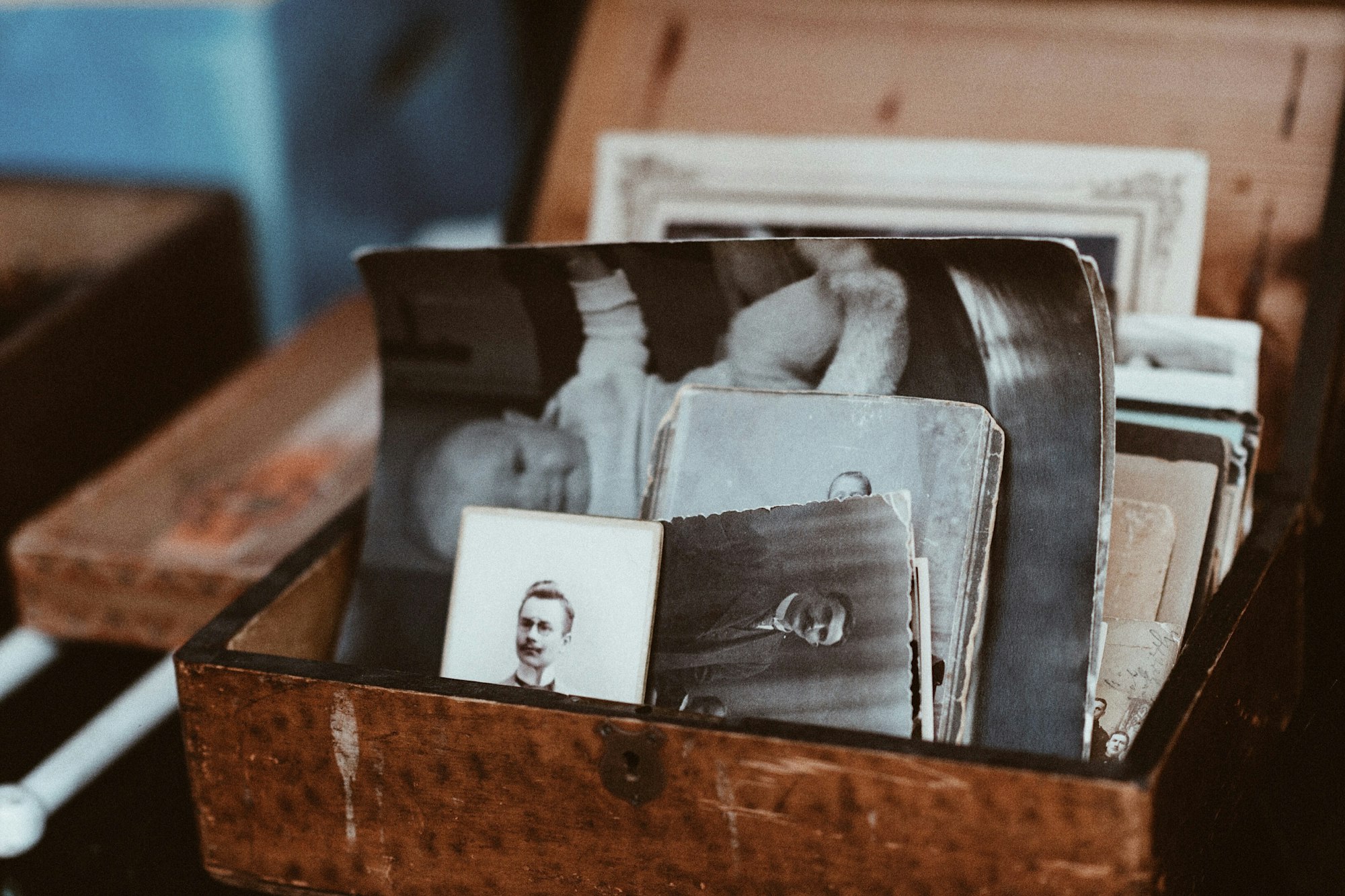
Somebody will one day need to get into your email, and it will not be you. What happens then is decided almost entirely by settings you can change in about twenty minutes and probably never have.
The default outcome is not that your family inherits your accounts. The default outcome is that they are locked out, politely, by companies following their own rules, while the thing they actually wanted was the photographs.
Why the obvious approach fails
The instinctive plan is to write the passwords down somewhere safe, or put them in a will. Both have problems that are not obvious.
A will is the worse of the two, because in many jurisdictions a will becomes a public document once probate is granted. Anything written in it, including a master password, can be read by anyone who asks for a copy. Wills also sit unchanged for years while passwords rotate, so by the time it is read the contents are usually wrong as well as exposed.
Handing over credentials has a second problem: most terms of service prohibit sharing them, and using someone else’s login, even with their blessing, can breach computer misuse laws depending on where you are. In practice families do this constantly and nothing happens. It is still the route with the least standing if anything is contested.
Which is why the platforms built official mechanisms. They are free, they are off by default, and hardly anyone turns them on.
The tools that already exist
| Where | What it is called | What sets it off | What the person gets |
|---|---|---|---|
| Apple | Legacy Contact | Death, evidenced with a death certificate and an access key you gave them in advance | Much of the account data, though DRM-protected media and stored passwords do not transfer |
| Inactive Account Manager | Inactivity for a period you choose, broadly three to eighteen months | Whichever services you nominate, sent to contacts you name; or the account is deleted | |
| Meta | Legacy contact, or deletion | A report of death from family | A memorialised profile that a legacy contact can manage in limited ways, or removal |
| Password managers | Emergency access | A request from your nominated person, after a waiting period you set | The vault, which is usually the thing that unlocks everything else |
Two features of that table are worth sitting with. Google’s trigger is inactivity, not death, which makes it the only one that works without anybody having to prove anything, and also means a long illness or a sabbatical can set it off if the window is short. Apple’s requires the person to already hold an access key, so it has to be set up while you are able to.
The password manager row is the one that matters most and gets thought about least, because the vault is the master key to everything not covered above: the bank, the utilities, the domain registrar, the thirty accounts nobody else knows exist.
What cannot be inherited at all
Some of what looks like property is a licence that ends with you. Films, music and books bought from a store are generally non-transferable personal licences, so a large media library does not pass to anyone in the way a shelf of DVDs would. Subscriptions simply stop when the payment does.
The things that genuinely do pass are files: photographs, documents, messages, anything downloadable. Which suggests the most reliable digital legacy plan is also the least technical one, and it is to keep an actual copy of what matters somewhere a person can physically find it.
An external drive in a drawer, refreshed once a year, outperforms every platform mechanism described above, because it requires no cooperation from anyone.
An afternoon’s work
- Turn on the three platform tools. Apple’s Legacy Contact, Google’s Inactive Account Manager, your password manager’s emergency access. Each takes a few minutes and they are the whole foundation.
- Set the inactivity window somewhere sensible. Long enough that a hospital stay or a long trip does not trigger it; short enough to be useful. Google will warn you before acting, at an address and number you should check are current.
- Write an inventory, not a password list. Which bank, which email, which registrar, where the drive is, who the accountant is. Names of things, not keys to them.
- Tell the person they are the person. A legacy contact who does not know they were nominated, or does not know the inventory exists, is the same as no legacy contact.
- Keep anything genuinely irreplaceable as files. Photographs especially. Download them, put them on a drive, and let that be the plan that does not depend on a company’s policy in ten years.
- Deal with what you run, not just what you own. A business email, a domain that renews on your card, a server somebody depends on. These fail fastest and cause the most immediate damage.
There is a version of this that becomes an elaborate project with spreadsheets and a lawyer. For most people the first three items cover nearly all of the real risk, and the rest is refinement.
Common questions
Can my executor just ask the company for access?
They can ask, and the answer is often a qualified no. Providers will usually close an account on proof of death, and are far more reluctant to hand over its contents, citing the privacy of the deceased and of everyone who corresponded with them. Some will release specific data by court order. It is slow, uncertain and much harder than using the tools set up in advance.
Should I mention digital assets in my will at all?
Yes, but as instructions rather than credentials. Naming who should receive what, and pointing to where the inventory is kept, gives your executor authority without publishing anything sensitive. A solicitor drafting the will can advise on local rules, which vary a great deal on what an executor may lawfully access.
What happens to a business account if I am the only admin?
It becomes somebody’s emergency, quickly. Any account a business depends on should have a second administrator while you are alive, which is an operational precaution rather than an estate matter. Domains and payment methods are the usual points of failure, because both expire quietly and take the website with them.
Does two-factor authentication make this worse?
It can, and it is the detail that breaks otherwise good plans. A password is useless if the code goes to a phone that has been cancelled. Recovery codes stored with the inventory, and a second trusted device registered where the service allows it, are what stop security from becoming a lock with no key.
How often should I revisit it?
Once a year is plenty, and attaching it to something you already do annually makes it likely to happen. Check the nominated people are still the right people, the contact details still work, and the backup drive still mounts. The last one fails more often than any of the others.



Leave a Reply