
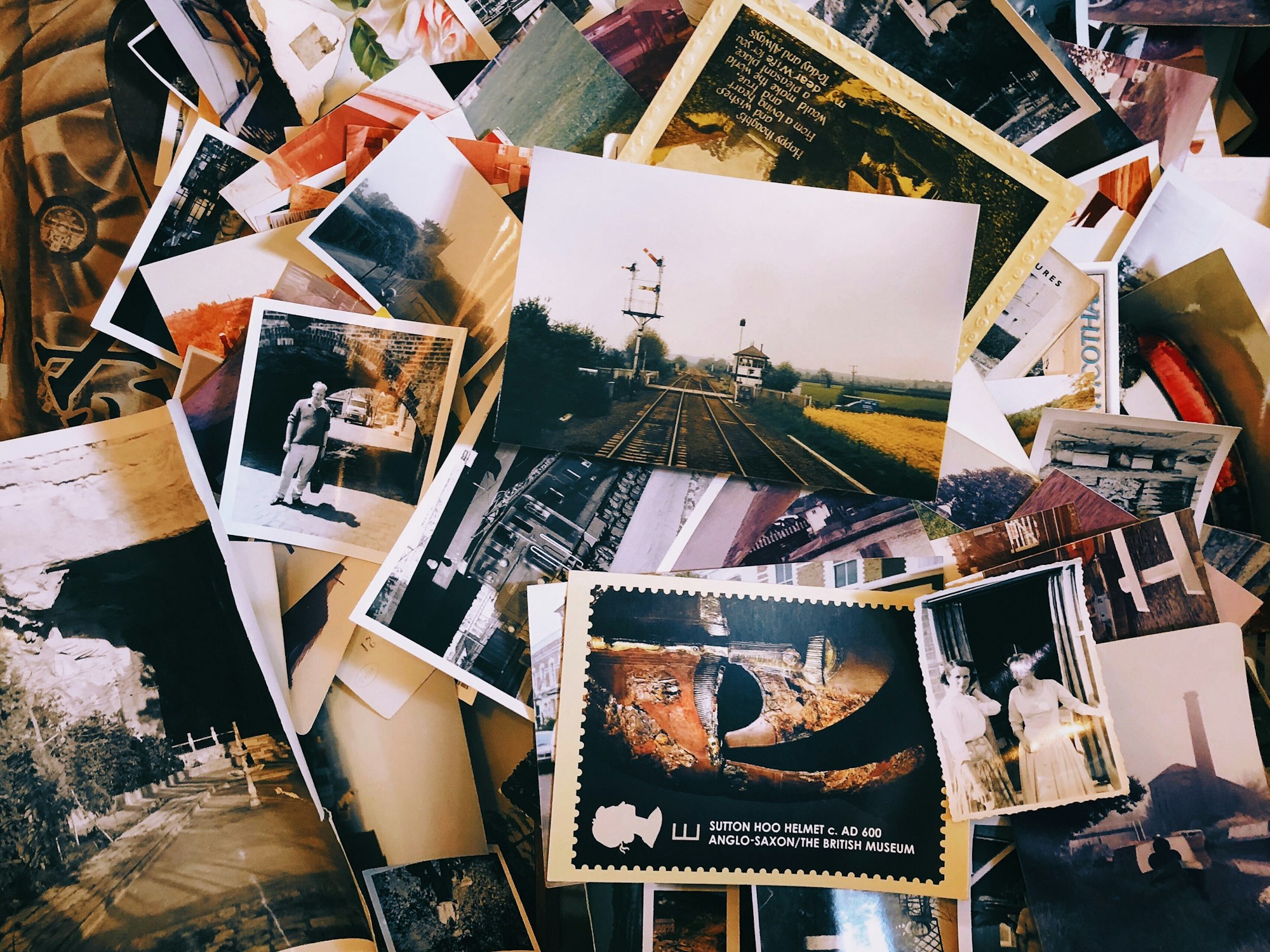
Nobody chooses a photo service. You buy a phone, the photos go somewhere, the free allowance fills up, and a few years later you are paying a monthly fee to a company you never evaluated, for a library you could not move without losing something.
The monthly fee is not the interesting number. The interesting question is what it would cost you to leave, and the answer is rarely measured in money.
What the tiers cost
These are the published US prices. Both vary by country, and both offer an annual option that costs less per month.
| Storage | iCloud+ | Google One |
|---|---|---|
| Free allowance | 5 GB | 15 GB |
| Entry paid tier | 50 GB, $0.99 | 100 GB, $1.99 |
| Mid tier | 200 GB, $2.99 | Not offered |
| 2 TB | $9.99 | $9.99, sold as Google AI Plus |
| Above 2 TB | 6 TB $29.99, 12 TB $59.99 | 5 TB $19.99, sold as Google AI Pro |
Two things stand out. Apple’s free allowance is 5 GB, which a single modern phone can exceed before you have taken a photograph, so it functions as a prompt rather than a tier. And Google’s 2 TB plan is now packaged as an AI subscription: the storage you came for arrives attached to features you may not have wanted, at the same headline price Apple charges for storage alone.
The exits exist
Credit where it is due: both companies have built a way out, and neither obliges you to download everything by hand.
Google provides an export tool that will package up a copy of your library. Apple goes further and offers a direct transfer: sign in at its privacy portal, choose to transfer a copy of your data, and it will send your photos and videos across to Google Photos over the following days. Importantly it copies rather than moves, so your original library is untouched if the transfer disappoints.
That these tools exist at all is better than the situation a decade ago. The question is what arrives at the other end.
What does not survive the move
A photo library is not a folder of files. It is files plus everything you have done to them, and the second part travels badly.
Apple documented the limits of its transfer when it launched the service. The reported exclusions included shared albums, smart albums, Live Photos, some RAW formats and certain metadata. Only the most recent edit of a photo transfers, not the original underneath it. Duplicates collapse into one item. Videos move separately from albums, and albums beyond a size cap arrive with the overflow outside the album.
Those details come from coverage of the launch rather than a current specification, so check the present documentation before relying on any one of them. The shape of the problem is what matters and it has not changed: the pixels move, the structure frays.
Consider what that means for a real library. Ten years of a family’s photographs, sorted into albums, with favourites marked, faces named, edits applied and a handful of Live Photos of a child learning to walk. The files arrive. The organisation that made them findable, and the small moving pictures, may not.
The lock-in is the organisation, not the files
This is the part worth internalising, because it changes what you should do about it.
Your JPEGs are portable and always have been. What is not portable is the search that finds every picture of your mother, the albums you spent an evening building, the automatic grouping by place and date, and the edits held as reversible instructions rather than baked into the image. None of that is a file. All of it is the reason the service feels indispensable.
Which means the sunk cost grows with use rather than with volume. Paying for 2 TB is not what traps you. Spending six years naming faces is.
What to actually do
- Keep one copy outside the ecosystem. An external drive with an annual export costs almost nothing and means no single company’s pricing or policy decision is existential. This is the whole insurance policy.
- Export once, now, and actually open it. Not to migrate, but to find out what you would get. The moment to discover your edits arrive flattened is not the moment you are leaving.
- Keep originals where you can. If you shoot RAW, the processed version is the one most likely to survive a transfer. Store originals somewhere you control.
- Watch what the tier is actually selling. When storage gets bundled with AI features, the price of storage stops being the price of storage, and future increases will be justified by features you did not ask for.
- Decide whether the organisation matters to you. If you genuinely only want the files back someday, you are far freer than you think. If the albums and search are the point, accept that you have chosen a platform, not a hard drive.
Common questions
Is 5 GB really enough for anyone?
For a phone that takes photographs, no, and it is not meant to be. It holds a device backup and little else. Treat Apple’s free tier as the trial period rather than a plan you could live on.
Does cloud storage count as a backup?
Only partly. Sync protects you from losing a phone. It does not protect you from deleting something and not noticing for a year, or from losing access to the account itself. One copy you physically hold covers both of those, and neither service does.
What happens if I stop paying?
Typically uploads stop and you keep read access for a grace period before the provider starts removing content. Check the specific policy of whichever service you are on, because the length of that grace period is the one number that decides how much warning you would get.
Are the independent services better?
On portability and privacy, often yes, and some are built around open formats precisely so leaving is easy. On the clever search and face recognition that make the big platforms sticky, generally not. That is the real trade, and which side of it you want depends on whether you use those features or merely have them.
Can I just use both?
Many people effectively do, and it is not irrational as redundancy. Be clear about which one you actually curate, though. Two half-organised libraries is worse than one organised library and a dumb backup.


Leave a Reply